1 / 9
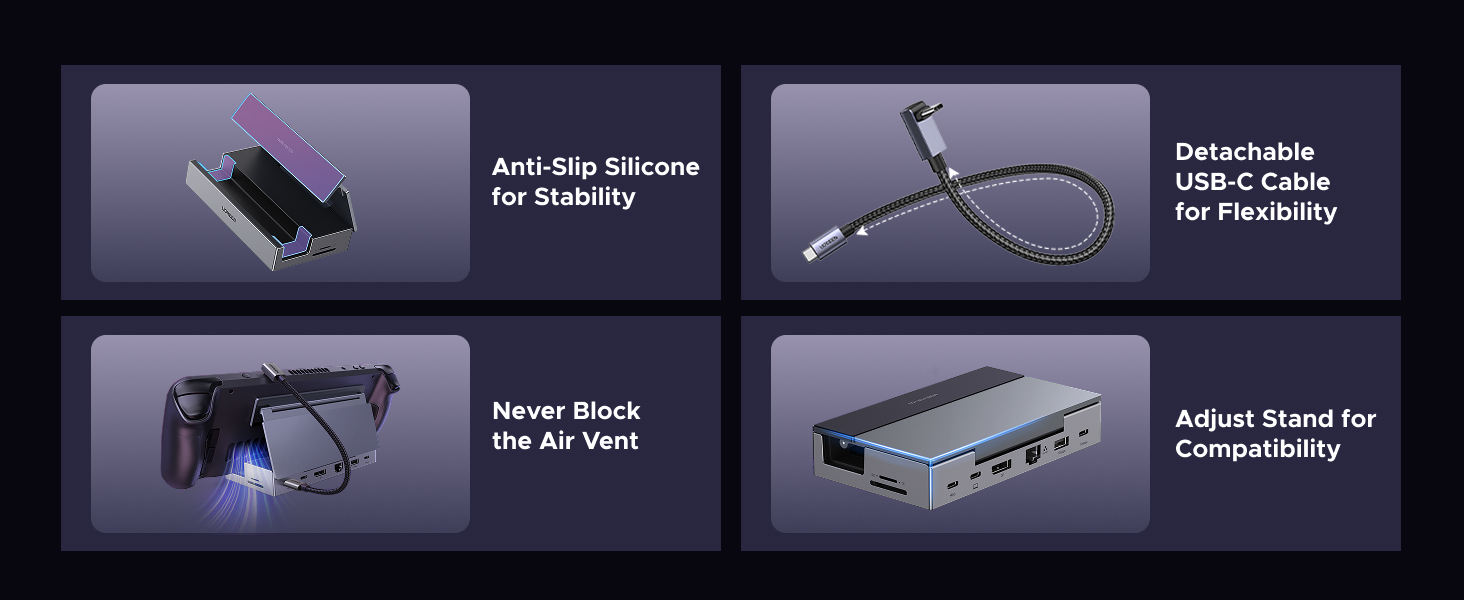
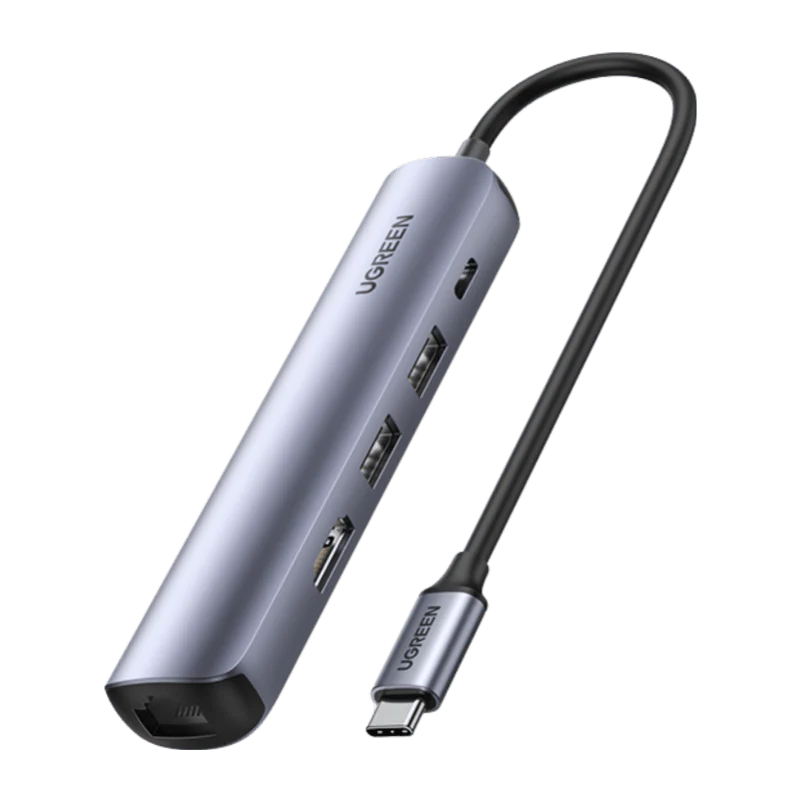
UGREEN 9-in-1 Steam Deck Docking Station

NOTES
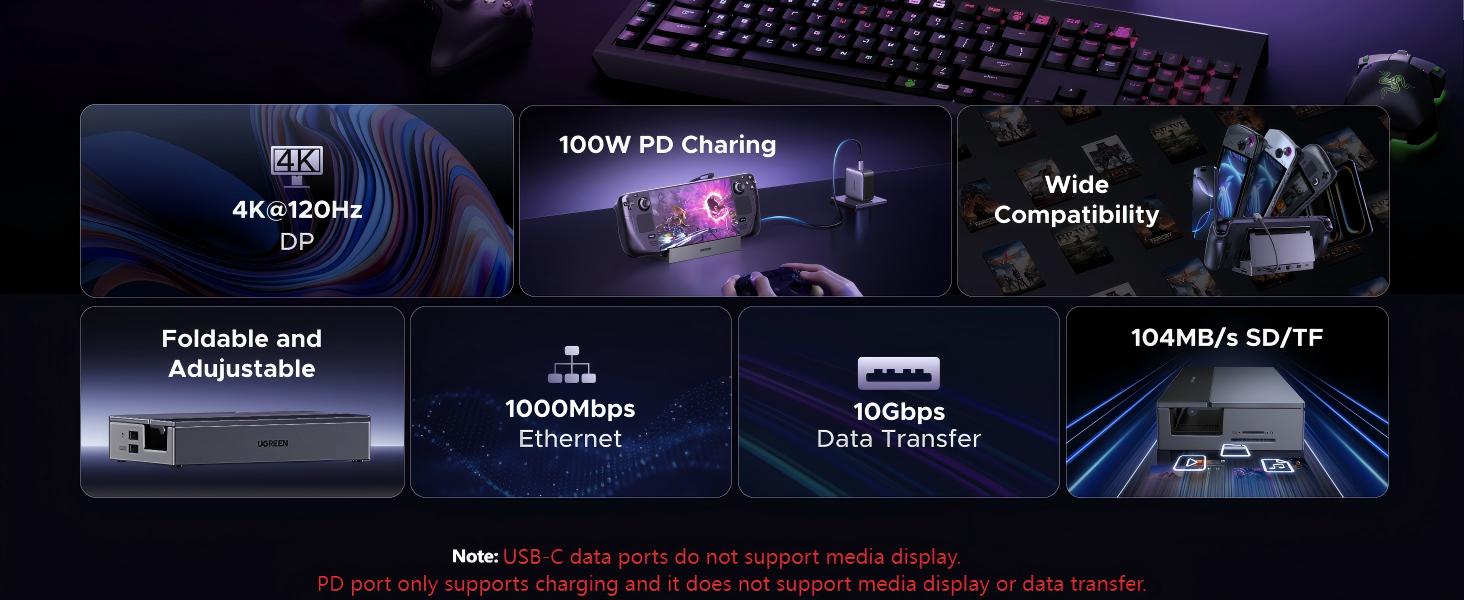
| 1 | For full compatibility, ensure your laptop's USB-C port supports both Power Delivery and DisplayPort 1.2/1.4 Alt Mode, in addition to either USB4, Thunderbolt 5/4/3. |
| 2 | When transmitting video, please make sure to adjust to DP mode. |
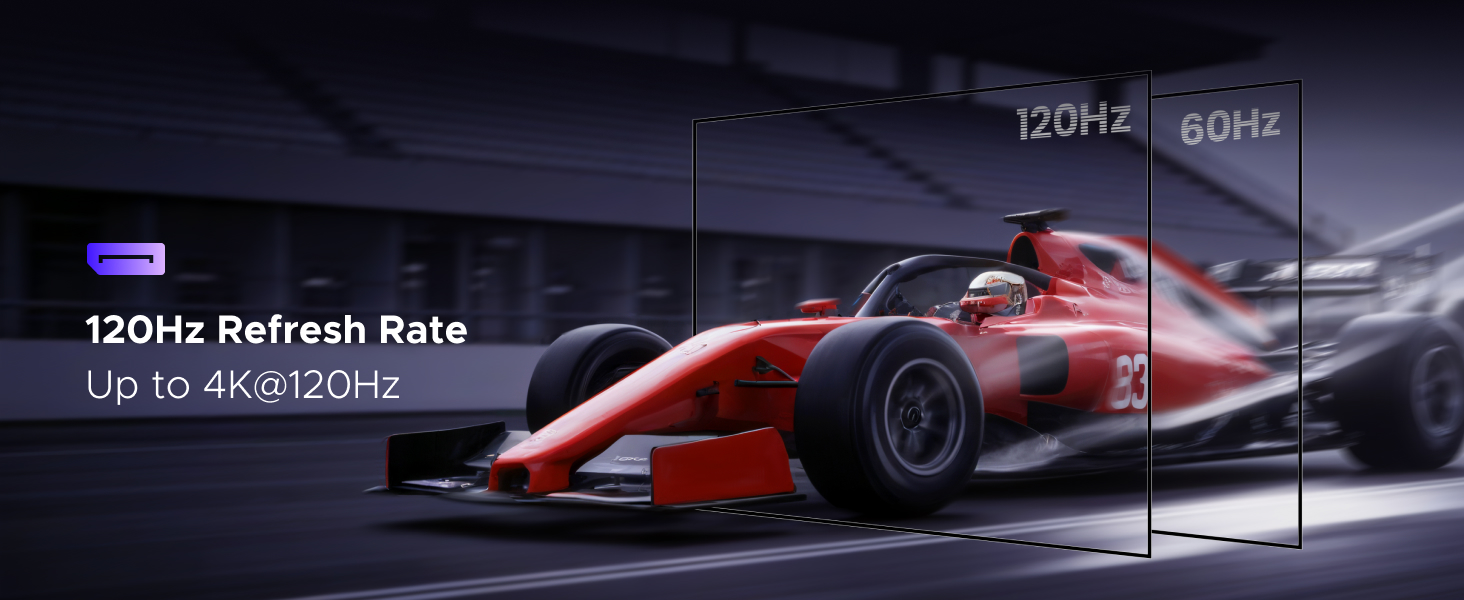
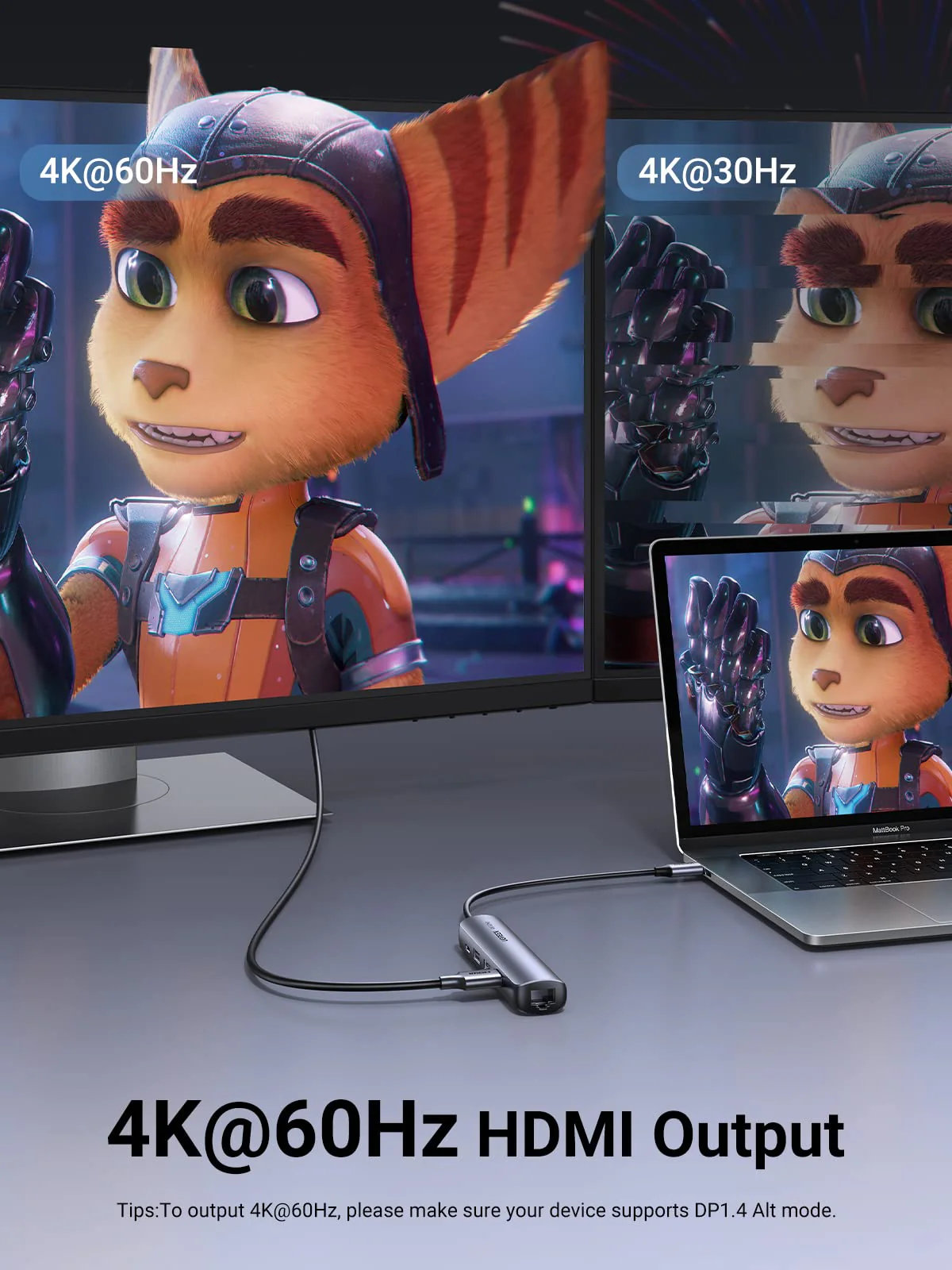
| 3 | To ensure you achieve the described 4K@120Hz display with this dock, use a DisplayPort 1.4 cable no longer than 3 m (28AWG). |
| 4 | The USB-C data port does not support media display or charging. |
| 5 | The USB-C Power Delivery input only supports charging. |
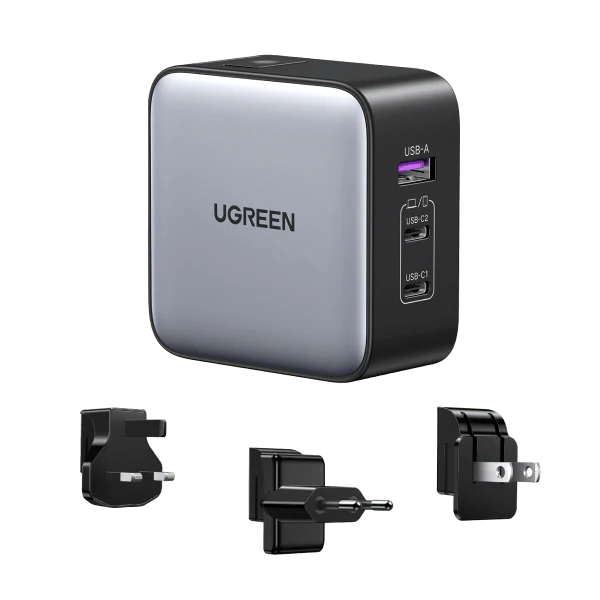
| 6 | When connected to a PD wall charger and a USB-C to USB-C cable, both supporting 100W PD charging, the hub's USB-C PD port provides up to 85W to charge your device, allocating 15W for its own operation. For optimal performance, select a wall charger that is at least 15W more powerful than your device's original charger. |
$28.19
Original: $80.53
-65%UGREEN 9-in-1 Steam Deck Docking Station—
$80.53
$28.19Product Information
Product Information
Shipping & Returns
Shipping & Returns
Description
NOTES
| 1 | For full compatibility, ensure your laptop's USB-C port supports both Power Delivery and DisplayPort 1.2/1.4 Alt Mode, in addition to either USB4, Thunderbolt 5/4/3. |
| 2 | When transmitting video, please make sure to adjust to DP mode. |
| 3 | To ensure you achieve the described 4K@120Hz display with this dock, use a DisplayPort 1.4 cable no longer than 3 m (28AWG). |
| 4 | The USB-C data port does not support media display or charging. |
| 5 | The USB-C Power Delivery input only supports charging. |
| 6 | When connected to a PD wall charger and a USB-C to USB-C cable, both supporting 100W PD charging, the hub's USB-C PD port provides up to 85W to charge your device, allocating 15W for its own operation. For optimal performance, select a wall charger that is at least 15W more powerful than your device's original charger. |